Schedule analysis and comparison for P6 and Microsoft Project
Upload a schedule and get the analysis in minutes: DCMA checks, earned value, calendars and more, with every report in Excel. Upload the next update and see exactly what changed.
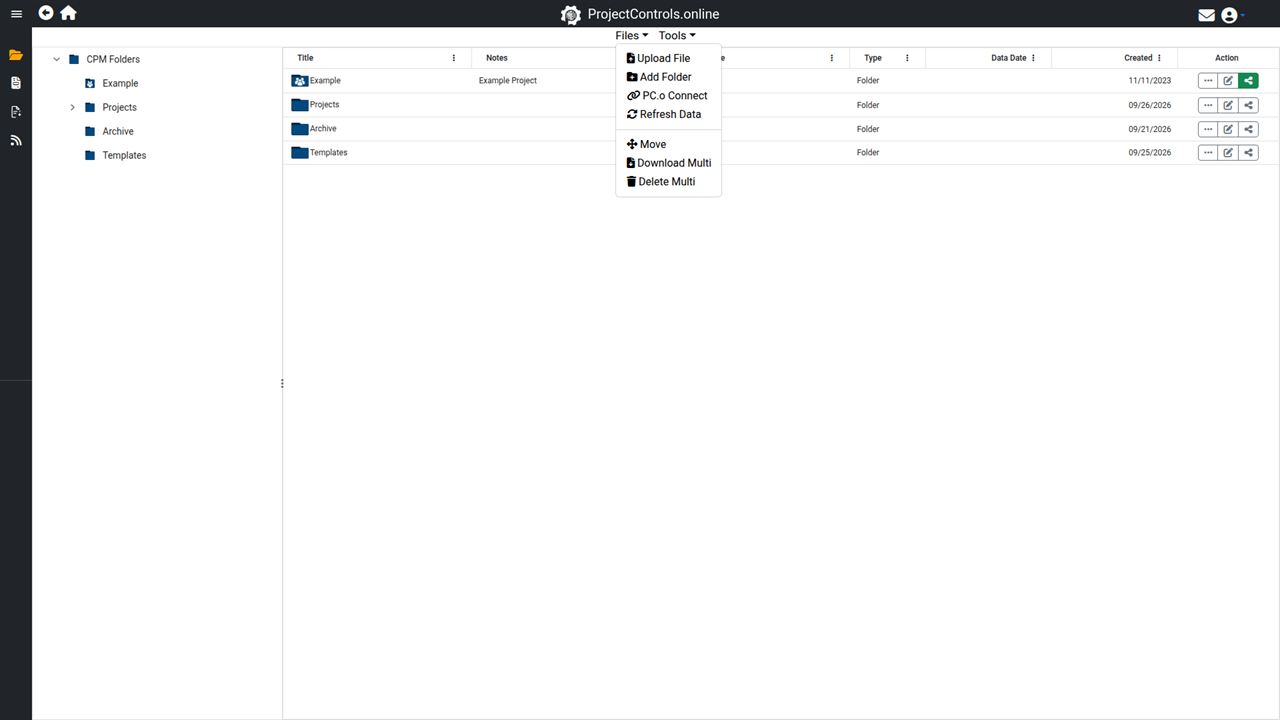
Analysis
100+ metrics on each schedule, including the DCMA checks, earned value and calendars.
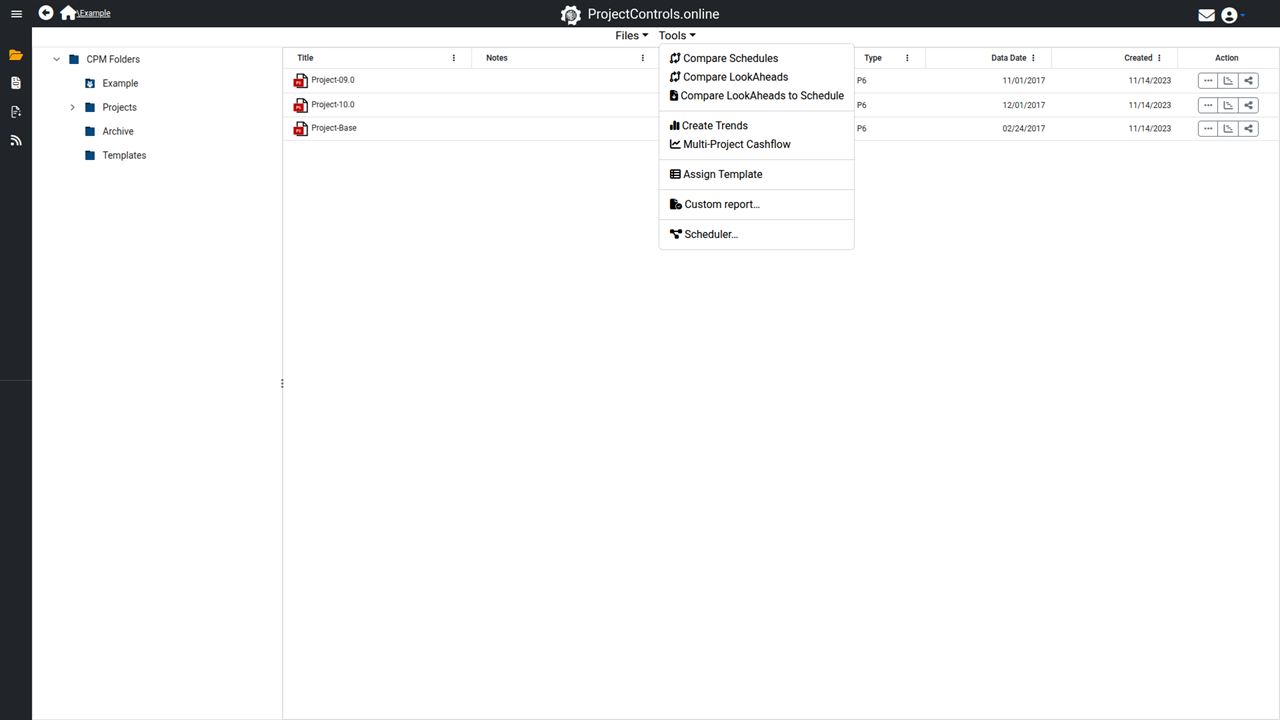
Schedule comparison
Compare a target and an update with 400+ metrics: what moved, what was added or deleted, and what it costs.

Look-aheads
Import or build Excel look-aheads and compare them with each other or with the P6 or Microsoft Project schedule.
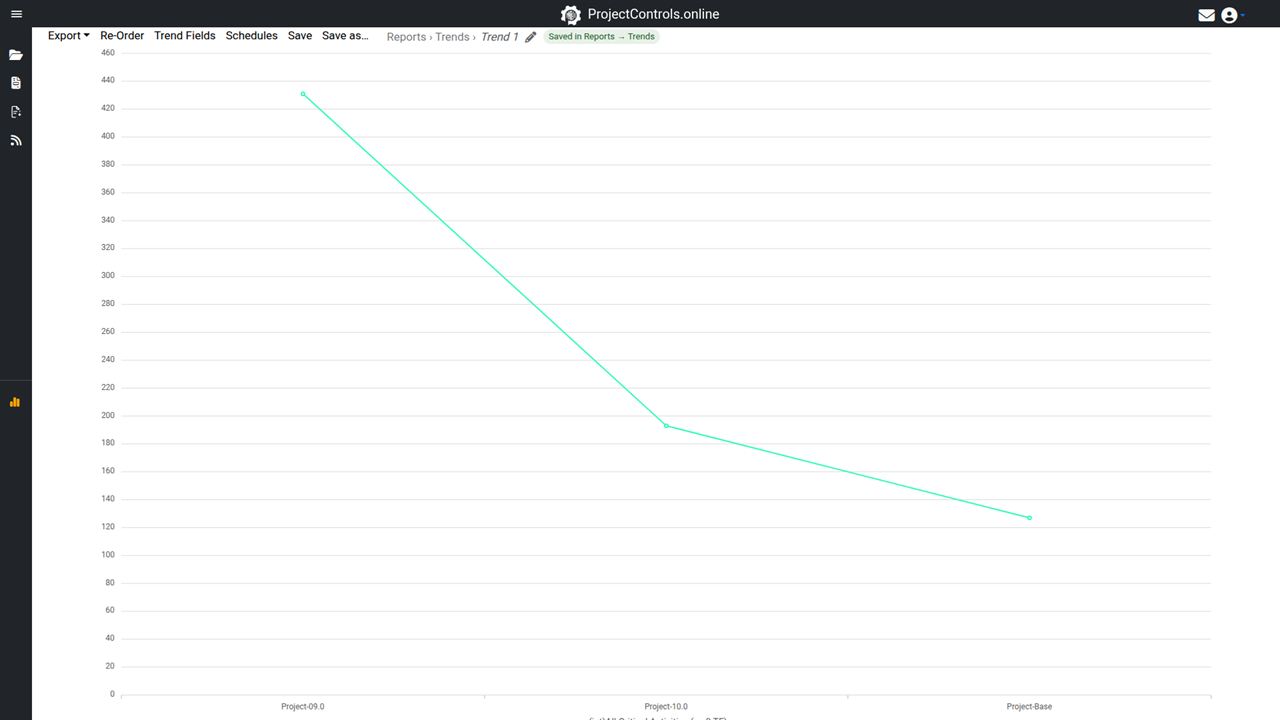
Trends and cash flow
See how the project moves update after update, and the early and late cash flow.
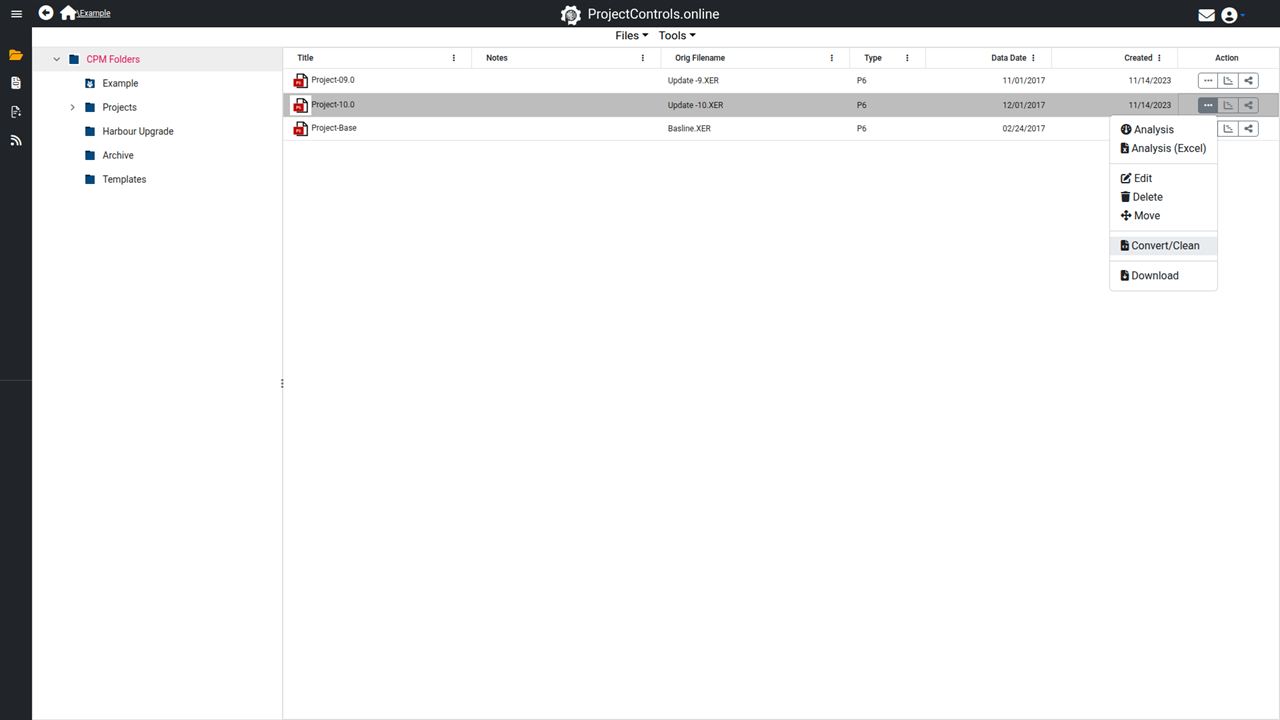
Convert, clean and share
Convert between P6, Microsoft Project and Excel in all directions; remove codes, costs or quantities. Share a read-only Gantt view of any schedule with a link.
BASIC
$25/Month
or $200/Year
Analysis of your schedules, convert and clean, and a Gantt viewer you can share.
Free for 30 days, no card needed. The trial includes the Scheduler too.
Start the free trialQuestions
Can I build or edit schedules with Basic?
Basic opens schedules in the Gantt view to read them. Building and editing is the Scheduler; Basic + Scheduler has both for $35 a month or $300 a year.
What happens when the trial ends?
You choose a plan. Until you do, your files and analyses are kept but closed. With Basic alone, your schedules can be opened and read but not edited until you add the Scheduler. Nothing is deleted.
Can I cancel?
Yes. Your plan runs to the end of the period you paid for, then stops. Payments already made are not refunded.
The other plans